
01Set seat height so feet are flat and knees ~90°
Hips slightly above knees if possible. Use a footrest or sturdy box if the chair is high.
Workstation setup, daily stretches, and reset cues for remote workers
Desk posture reset for remote workers: set chair, screen, and keyboard heights, run a 10-minute daily mobility sequence, and install hourly reset cues so slouching does not become your default. Small daily work beats weekend yoga guilt.
Full step-by-step lessons with photos unlock with a subscription.
Free preview
See how every step looks — photo, checklist, and pro tips included.
Hips slightly above knees if possible. Use a footrest or sturdy box if the chair is high.
Top of monitor at or just below eye height, about an arm's length away. Laptop on a stand + external keys.
Full library access
Subscribe for $9/month or $79/year — every category, every guide.
View plansEach tip has its own step photo — browse free, then unlock the full course.
Step 1
Set seat height so feet are flat and knees ~90°
Step 2
Raise the screen to eye level
Step 3
Position keyboard and mouse close to the body
Step 4
Open chest and upper back for two minutes
Step 5
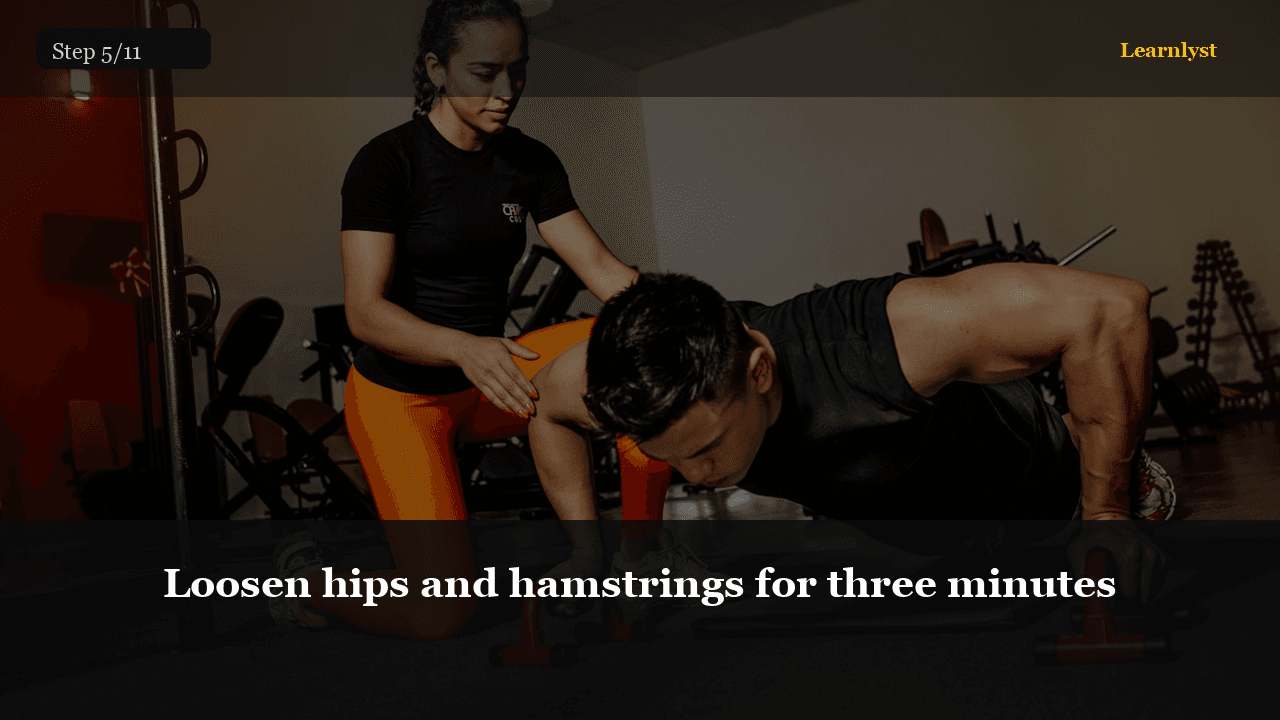
Loosen hips and hamstrings for three minutes
Step 6
Reset neck and shoulders for three minutes
Step 7
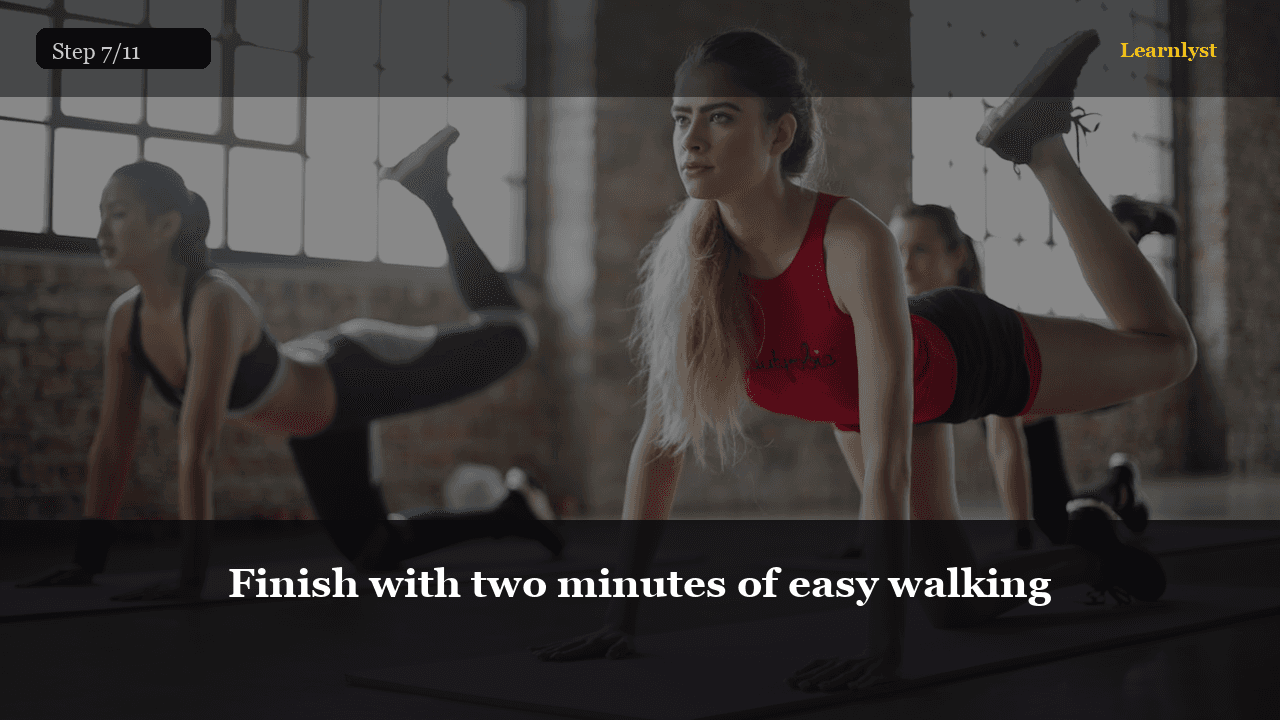
Finish with two minutes of easy walking
Step 8
Install hourly micro-reset alarms
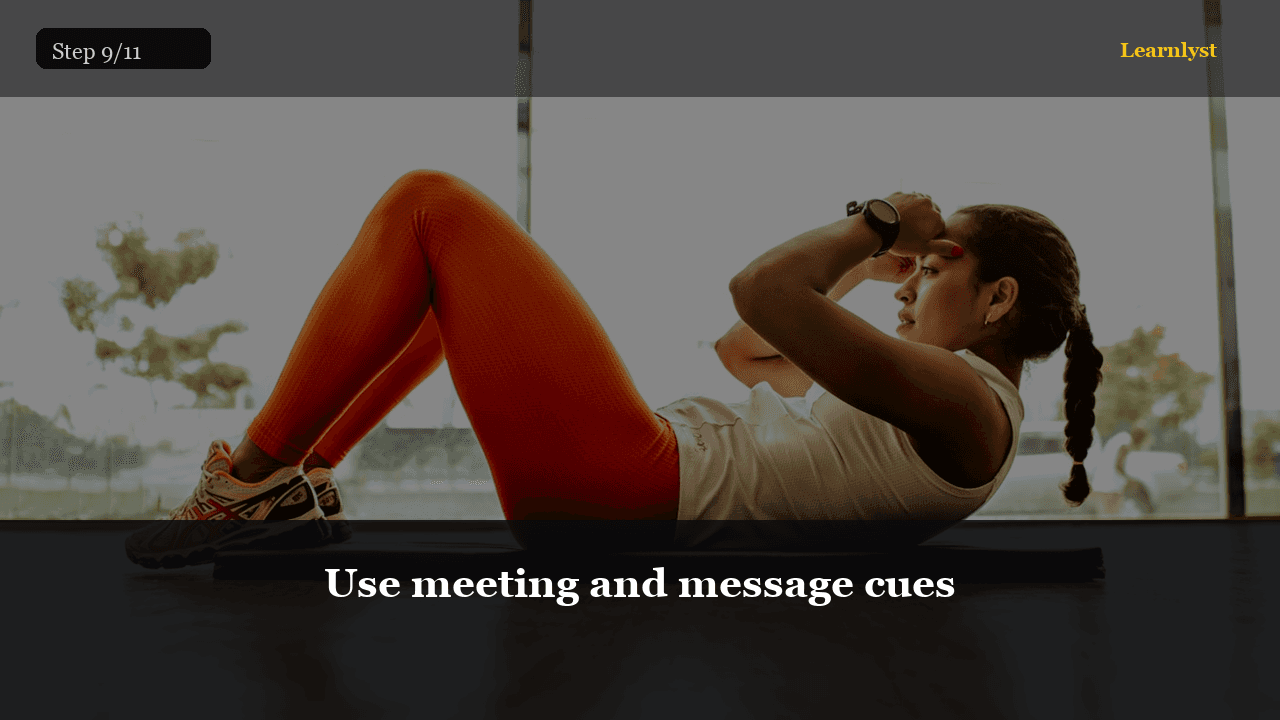
Step 9
Use meeting and message cues
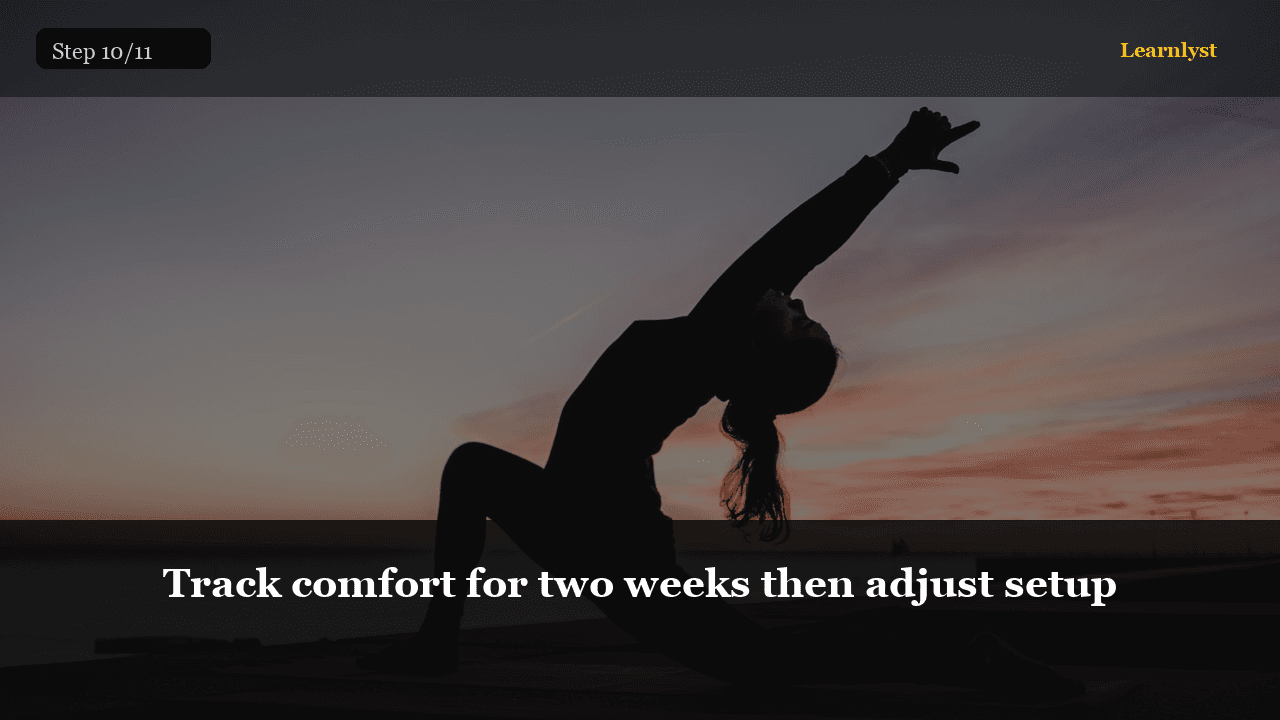
Step 10
Track comfort for two weeks then adjust setup
Step 11
Pass criteria
Related courses with photographed steps — browse before you subscribe.

Beginner Strength Program
Full-body, three days a week, add a little weight when you earn it
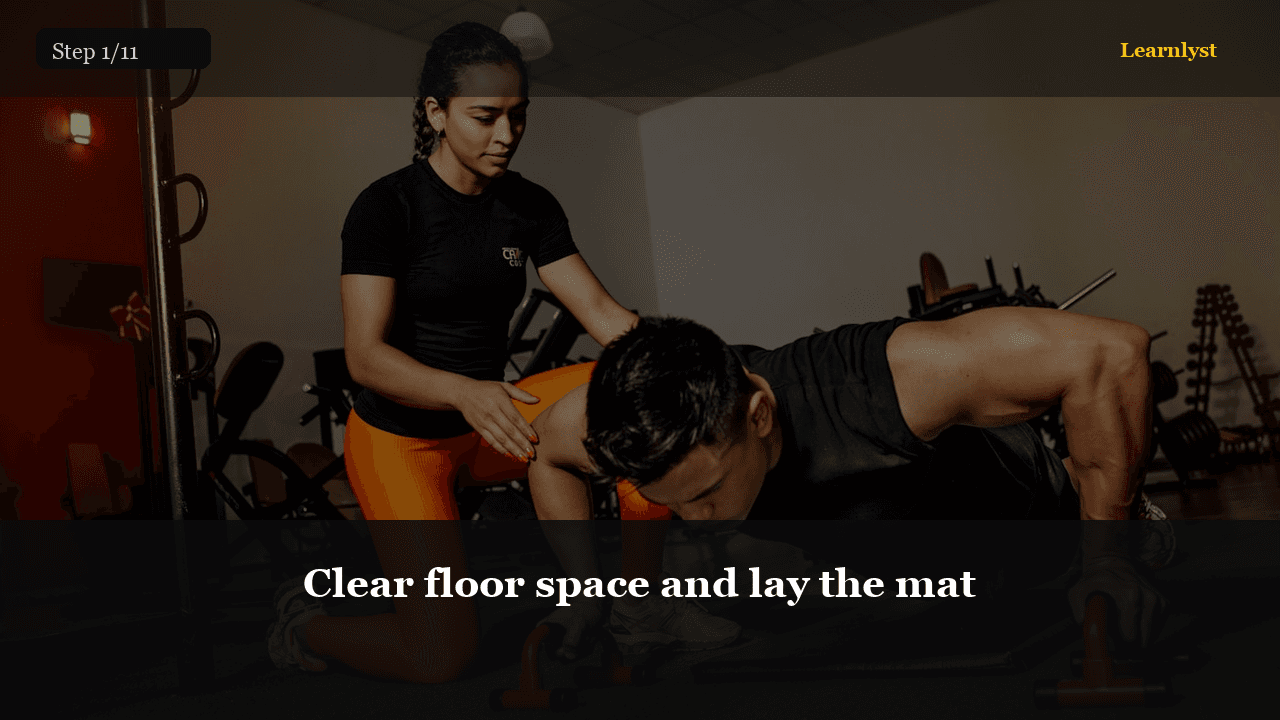
Beginner Yoga at Home in 15 Minutes
Mat setup, 8-pose sequence, breath, cool-down — no advanced flexibility required
20-Minute Home Workout: No Equipment
Squats, push-ups, planks, and lunges — full body, zero gym, three days a week

Meal Planning for Fat Loss
A small deficit, protein first, plates you can repeat, weekly averages — not scale panic
$9/month · Cancel anytime · All courses included
Sign up to unlock