
Step 5 of 6 · Battery & Terminal Service
Windows, clock, idle
Windows, clock, idle — step 5 of 6 in Battery & Terminal Service. Photo the presets. A 9 V OBD memory saver can help. After install, set the clock, run the window relearn, drive 15 minutes.
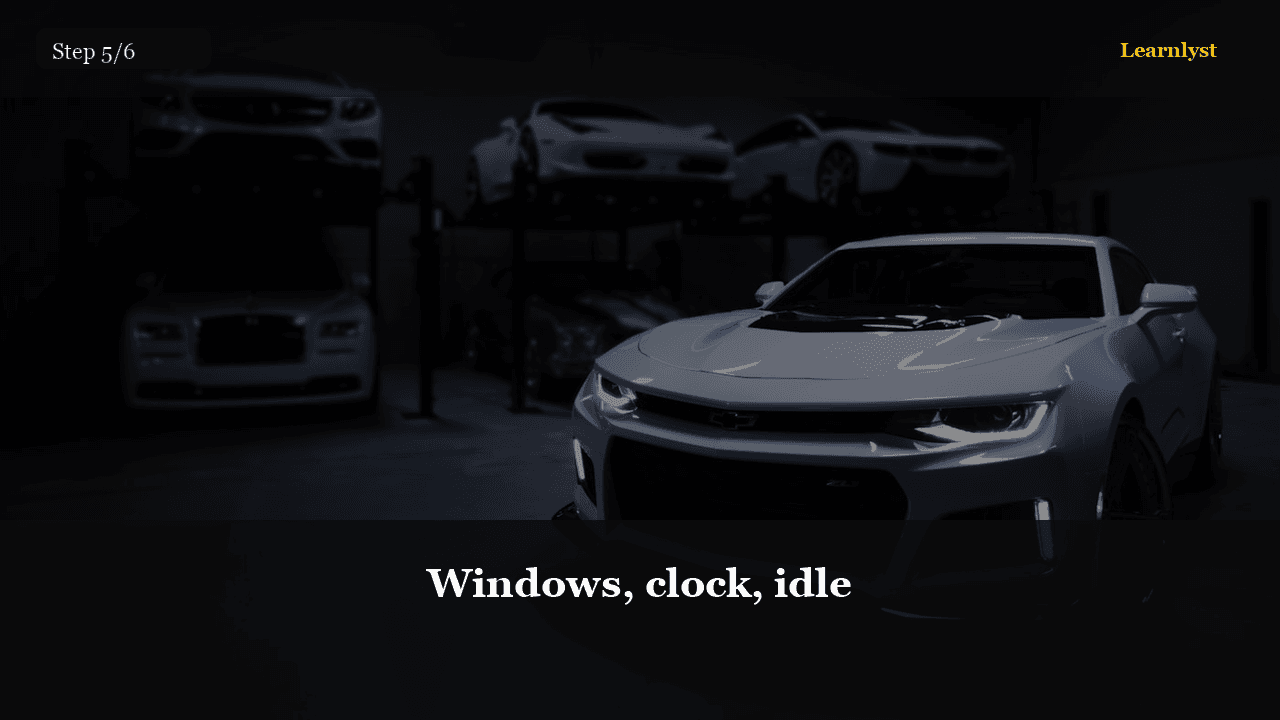
Free auto & mechanics tip: Windows, clock, idle (step 5 of 6 from "Battery & Terminal Service").
Photo the presets. A 9 V OBD memory saver can help. After install, set the clock, run the window relearn, drive 15 minutes.
Some cars need a steering-angle or idle relearn. If it feels weird, search your model plus 'battery replacement relearn' before you panic.
Pro tip: If the car has a battery registration procedure (many BMWs, some Fords), skipping it makes the new battery die young.
1 more paragraph in this tip — free with a Learnlyst account.
Create a free account to read the full tip
Unlock “Windows, clock, idle” plus daily tips. Guides and course pages stay public for search.
From the full photographed course
Battery & Terminal Service →This tip is one step — unlock all 6 steps inside Learnlyst.
More Auto & Mechanics tips



Ready for the full Learnlyst library?
Free account for daily tips · $9/mo or $79/yr for every course.