
Step 4 of 8 · Brake Pad Replacement
Hardware and rotor check
Hardware and rotor check — step 4 of 8 in Brake Pad Replacement. Pull the old pads. Compare inner vs outer wear — if one is gone and one is thick, slides were stuck. Replace clips that are bent.
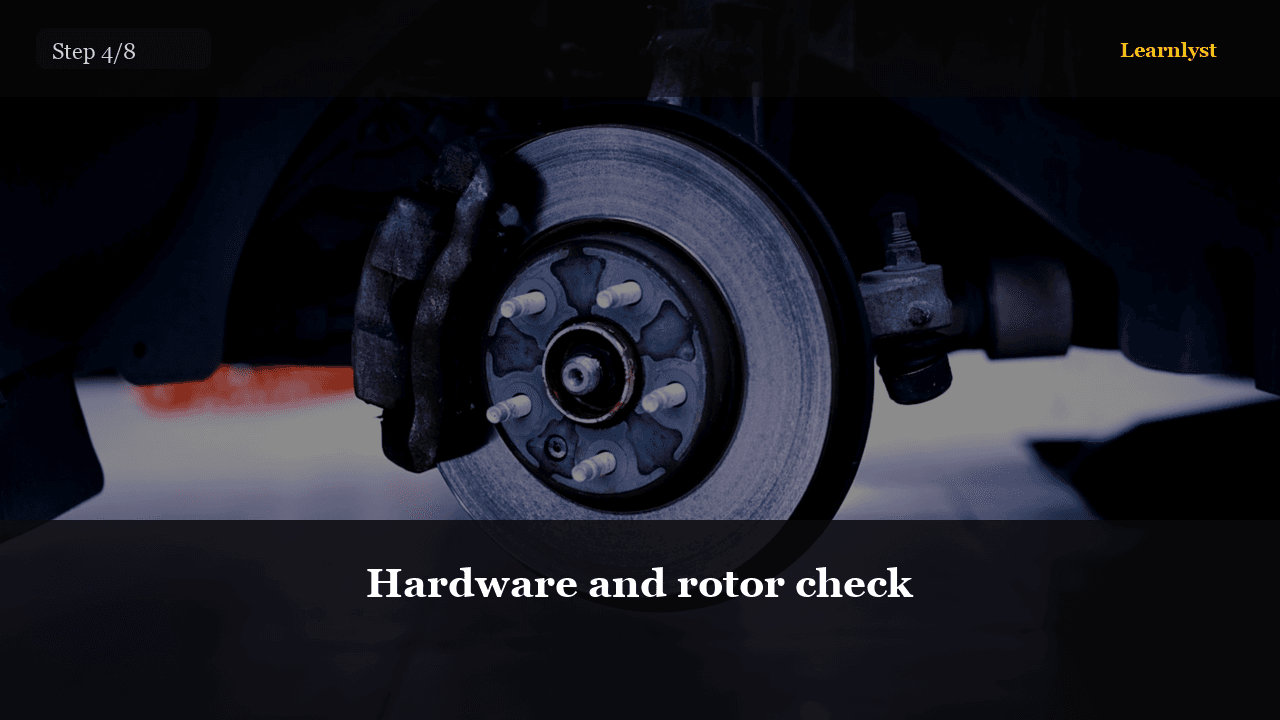
Free auto & mechanics tip: Hardware and rotor check (step 4 of 8 from "Brake Pad Replacement").
Pull the old pads. Compare inner vs outer wear — if one is gone and one is thick, slides were stuck. Replace clips that are bent.
Look at the rotor sweep. Measure if you have a micrometer. Min thickness is stamped on the hat. If you are below it, pads-only is a waste of money and a safety problem.
You'll need
- Photos of pad orientation
- Clips compared to new
- Rotor thickness vs stamp
1 more paragraph in this tip — free with a Learnlyst account.
Create a free account to read the full tip
Unlock “Hardware and rotor check” plus daily tips. Guides and course pages stay public for search.
From the full photographed course
Brake Pad Replacement →This tip is one step — unlock all 8 steps inside Learnlyst.
More Auto & Mechanics tips
Ready for the full Learnlyst library?
Free account for daily tips · $9/mo or $79/yr for every course.