01Photo, unplug, label ends
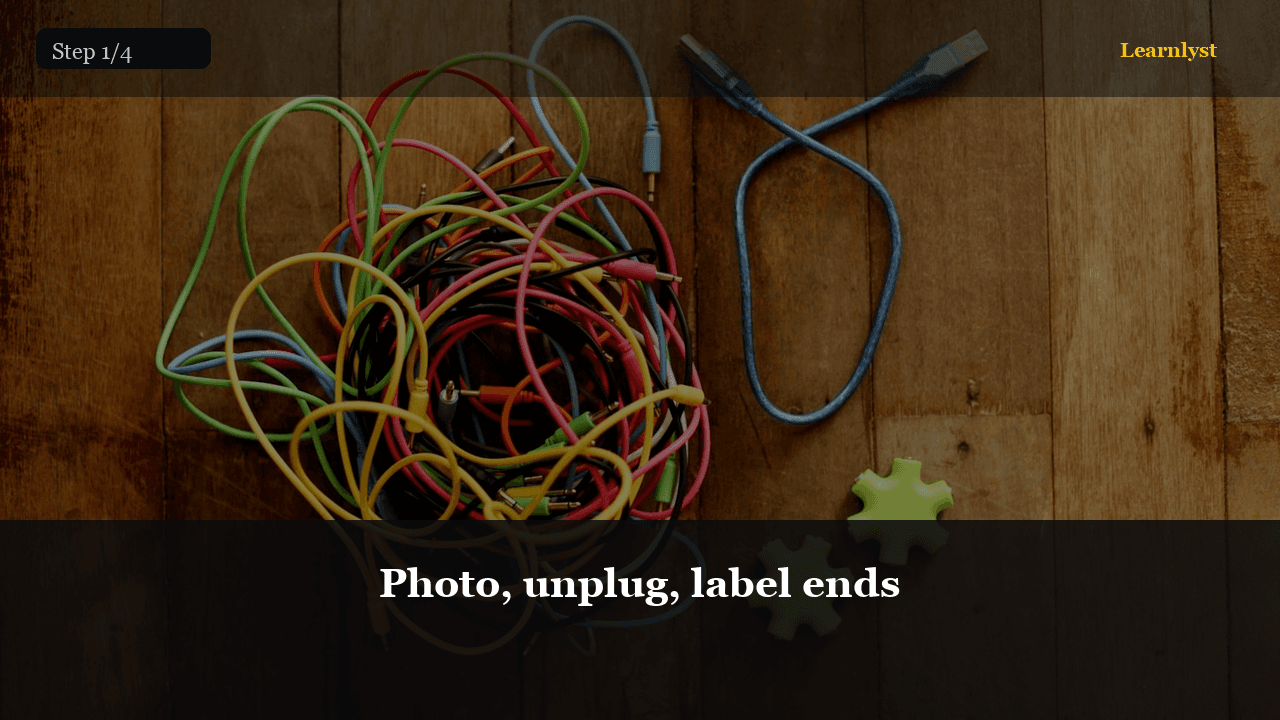
Photo the mess and each port. Unplug. Label both ends of every cord: Monitor, Speakers, Console, Router.
Trash dead chargers and orphan cables you can't identify after 60 seconds.
Label, Velcro, one power brick zone — cords that stay sorted for months
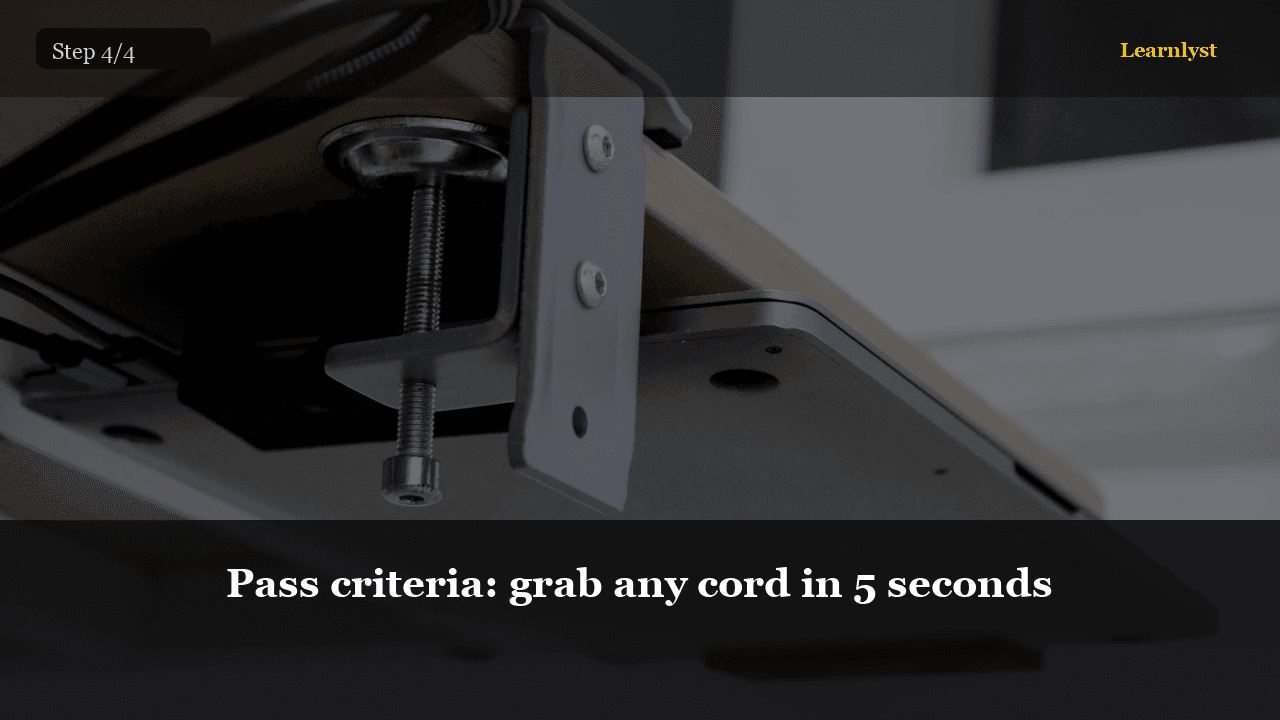
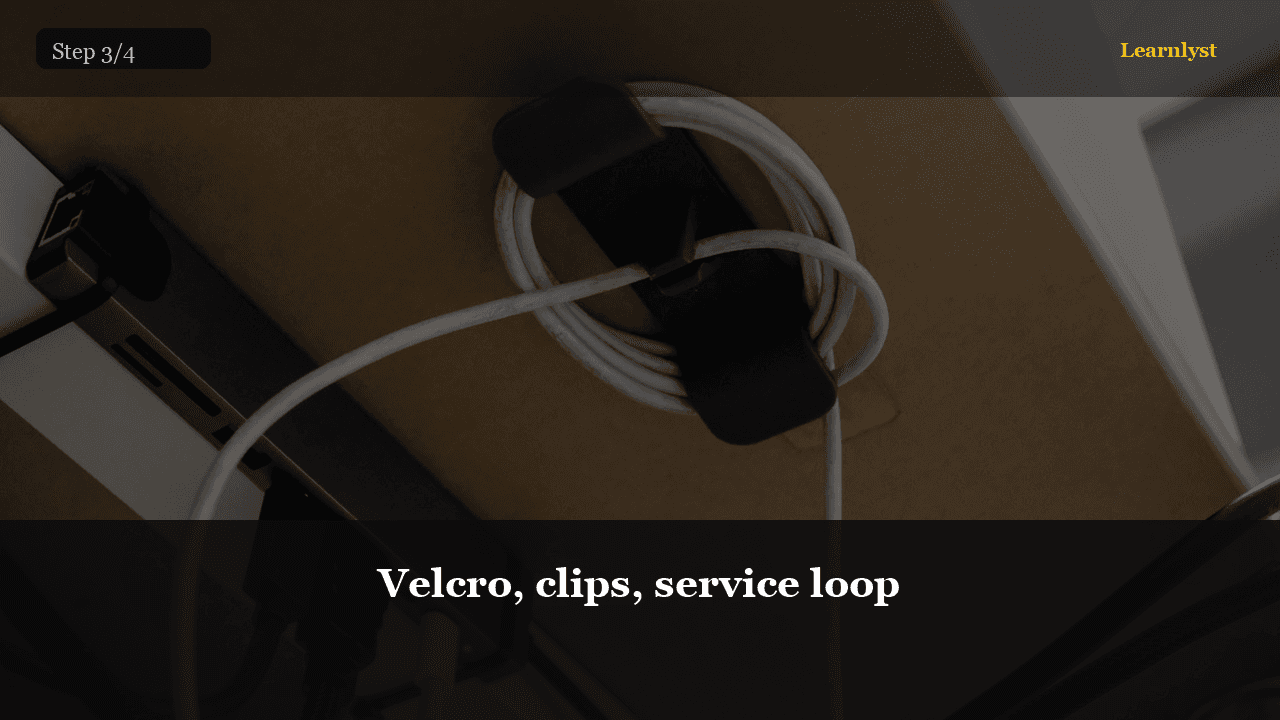
Home life hack for the cable nest: unplug and sort by device, label both ends with tape, mount a power strip in one zone, Velcro-wrap lengths, route along desk legs or TV edges with adhesive clips, and leave a service loop so nothing yanks loose. 45 minutes once — calm every day after.
Full step-by-step lessons with photos unlock with a subscription.
Free preview
See how every step looks — photo, checklist, and pro tips included.
Photo the mess and each port. Unplug. Label both ends of every cord: Monitor, Speakers, Console, Router.
Trash dead chargers and orphan cables you can't identify after 60 seconds.
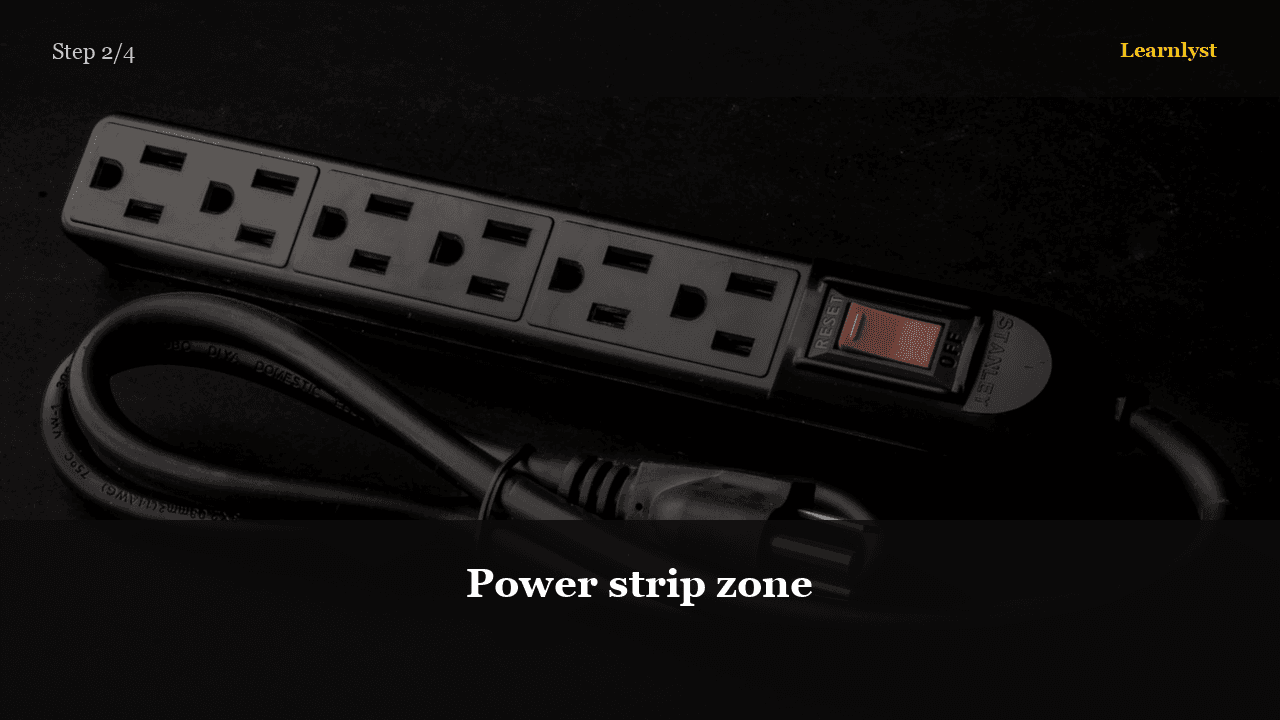
Pick one place for the strip — under desk or behind TV stand. Plug bricks there only. Route device cords to that zone.
Don't stack power adapters on top of each other — heat needs air.
Pro tip. Surge protector for TV/PC — cheap insurance.
Full library access
Subscribe for $9/month or $79/year — every category, every guide.
View plansEach tip has its own step photo — browse free, then unlock the full course.
More Home & DIY tips →Related courses with photographed steps — browse before you subscribe.
How Your Home Heating System Actually Works
Thermostat to vents — furnace, ducts, filter, and why some rooms stay cold

Hang Curtains So They Look Custom
Height and width rules, rod install, hang and steam — the Pinterest curtain look
Paint a Room in One Weekend
Prep, cut in, roll walls, clean edges — intentional results
How a Toilet Actually Works
Flapper, fill valve, siphon trap — the engineering behind every flush
$9/month · Cancel anytime · All courses included
Sign up to unlock