
Step 2 of 4 · Tame Cable Chaos: Desk and TV
Power strip zone
Power strip zone — step 2 of 4 in Tame Cable Chaos: Desk and TV. Pick one place for the strip — under desk or behind TV stand. Plug bricks there only. Route device cords to that zone.
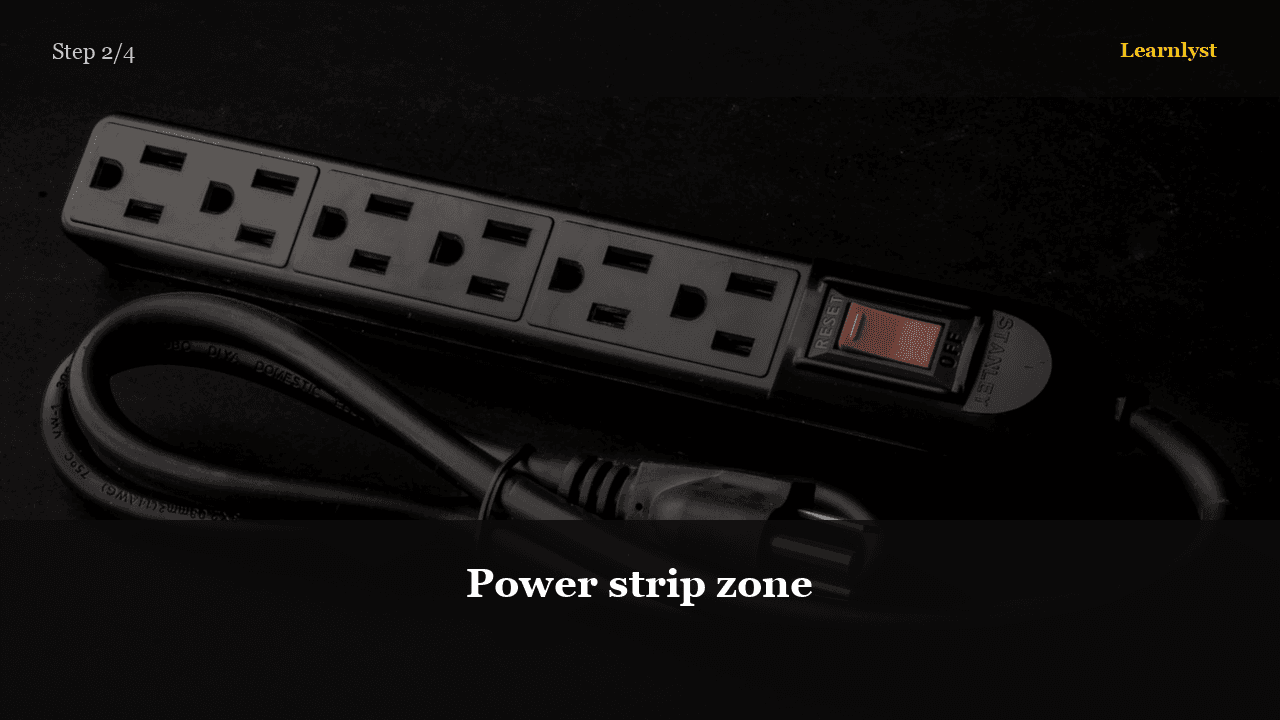
Free home & diy tip: Power strip zone (step 2 of 4 from "Tame Cable Chaos: Desk and TV").
Pick one place for the strip — under desk or behind TV stand. Plug bricks there only. Route device cords to that zone.
Don't stack power adapters on top of each other — heat needs air.
Pro tip: Surge protector for TV/PC — cheap insurance.
1 more paragraph in this tip — free with a Learnlyst account.
Create a free account to read the full tip
Unlock “Power strip zone” plus daily tips. Guides and course pages stay public for search.
From the full photographed course
Tame Cable Chaos: Desk and TV →This tip is one step — unlock all 4 steps inside Learnlyst.
More Home & DIY tips


Ready for the full Learnlyst library?
Free account for daily tips · $9/mo or $79/yr for every course.