LearnlystLearnlyst
iPhone Settings That Cut the Noise
Phones

iPhone Settings That Cut the Noise

Focus, notification summary, Mail, and a lock screen that is not a slot machine

40 min6 photographed stepsBeginner

You will turn on a Focus for sleep and work, batch lock-screen banners into a scheduled summary, stop Mail and shopping apps from punching you all day, and leave the useful alerts (messages from people, two-factor codes). This is Settings, not a jailbreak and not a 'secret trick' channel.

What you'll learn

  • Focus is a schedule, not a vibe
  • Scheduled summary vs lock-screen slot machine
  • Which apps may badge and which may not
  • 2FA SMS still has to get through

Inside this course

  • Focus is a calendar, not a moodSleep and Work. Two is enough.
  • Notifications: summary, not a casinoLock Screen → Scheduled Summary. Time it for lunch and 6pm.
  • Mail and the shopping stackVIP is a person. 40% off is not.
  • Lock screen that is a clockWidgets: calendar, weather. Not six live activities.

Full step-by-step lessons with photos unlock with a subscription.

iPhone Settings That Cut the Noise preview 1
iPhone Settings That Cut the Noise preview 2
iPhone Settings That Cut the Noise preview 3

Free preview

First steps from Focus is a calendar, not a mood

See how every step looks — photo, checklist, and pro tips included.

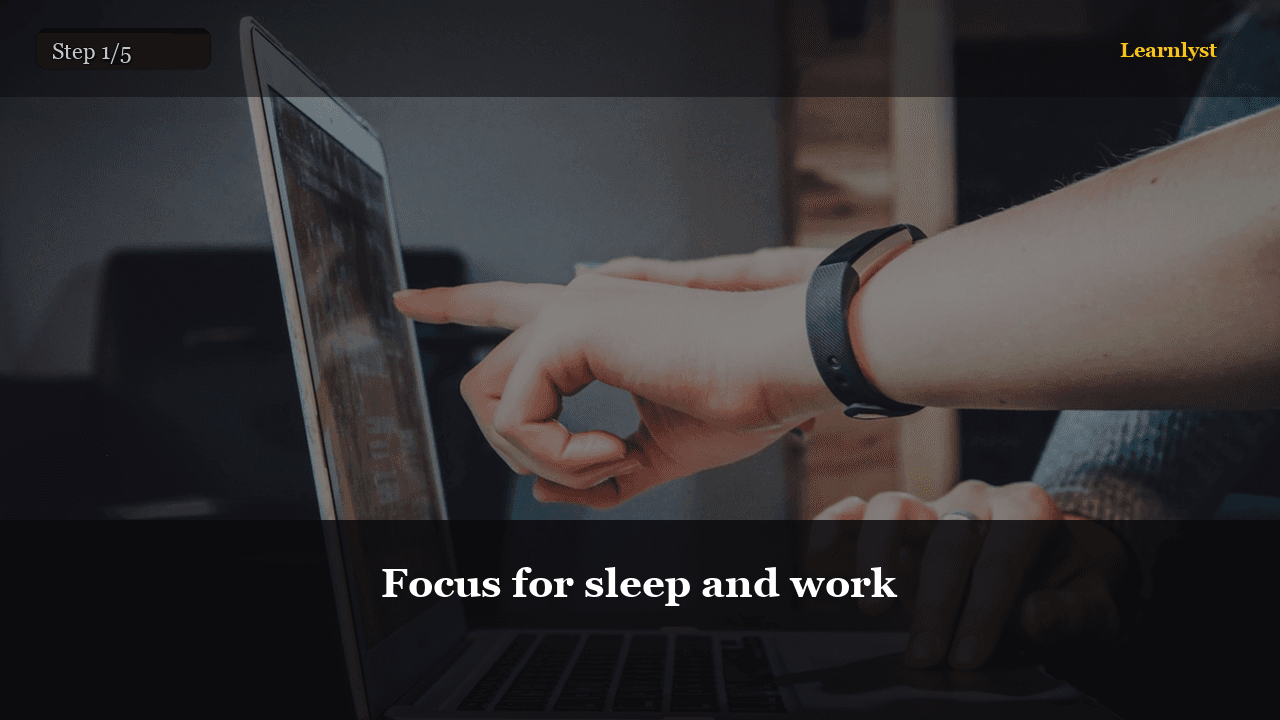
One sleep schedule. Allowed: calls from favorites, that's it.
01Settings → Focus → Sleep, or the Health bedtime

Set a bedtime and wake. Allow Phone and a short list of people. Silence everything else. If you use an Apple Watch, the same Focus rides along.

Do not add 12 Focuses named Hustle. You will never enable them. Sleep + Work (or Do Not Disturb on a schedule) is the product.
Work Focus on weekdays, 9–6 or whatever you actually work
02Work Focus on weekdays, 9–6 or whatever you actually work

Allow Calendar, Mail if you must, Slack/Teams if that is the job, Messages from VIPs. Ban shopping, news, and games. Home Screen: optional extra page with only work apps — nice, not required.

Turn on Focus Status so Messages can say you're quiet. People who matter will text anyway.

Full library access

Unlock every course

Subscribe for $9/month or $79/year — every category, every guide.

View plans

Free tips from this course

Each tip has its own step photo — browse free, then unlock the full course.

More Phones tips →

More in Phones

Related courses with photographed steps — browse before you subscribe.

Unlock iPhone Settings That Cut the Noise + the full library

$9/month · Cancel anytime · All courses included

Sign up to unlock