
LearnlystLearnlyst
Android: Battery, Storage, and Backup
Phones

Android: Battery, Storage, and Backup

See what kills the battery, clear the 12 GB of WhatsApp, and confirm a backup you could restore

45 min6 photographed stepsBeginner

You will read the battery screen like an adult, restrict a runaway app, dump cached junk without deleting the photos you want, and turn on Google backup (or OEM backup) and verify it. Stock-ish Android. OEM skins move the menus; search Settings if the path differs.

What you'll learn

  • The battery graph names the culprit
  • Restricted vs unrestricted battery is not a punishment, it is a leash
  • WhatsApp media is usually the 8 GB
  • A backup you have never restored is a rumor — at least confirm the date

Inside this course

  • Battery: who did thisSettings → Battery → battery usage. Last 24 hours.
  • Storage: find the 12 GBSettings → Storage. Photos, apps, then the chat app.
  • Backup you could actually useA toggle you never checked is not a backup.
  • Don't be the family IT for a stolen-phone fantasyFind My Device is for YOUR phone.

Full step-by-step lessons with photos unlock with a subscription.

Android: Battery, Storage, and Backup preview 1
Android: Battery, Storage, and Backup preview 2
Android: Battery, Storage, and Backup preview 3

Free preview

First steps from Battery: who did this

See how every step looks — photo, checklist, and pro tips included.

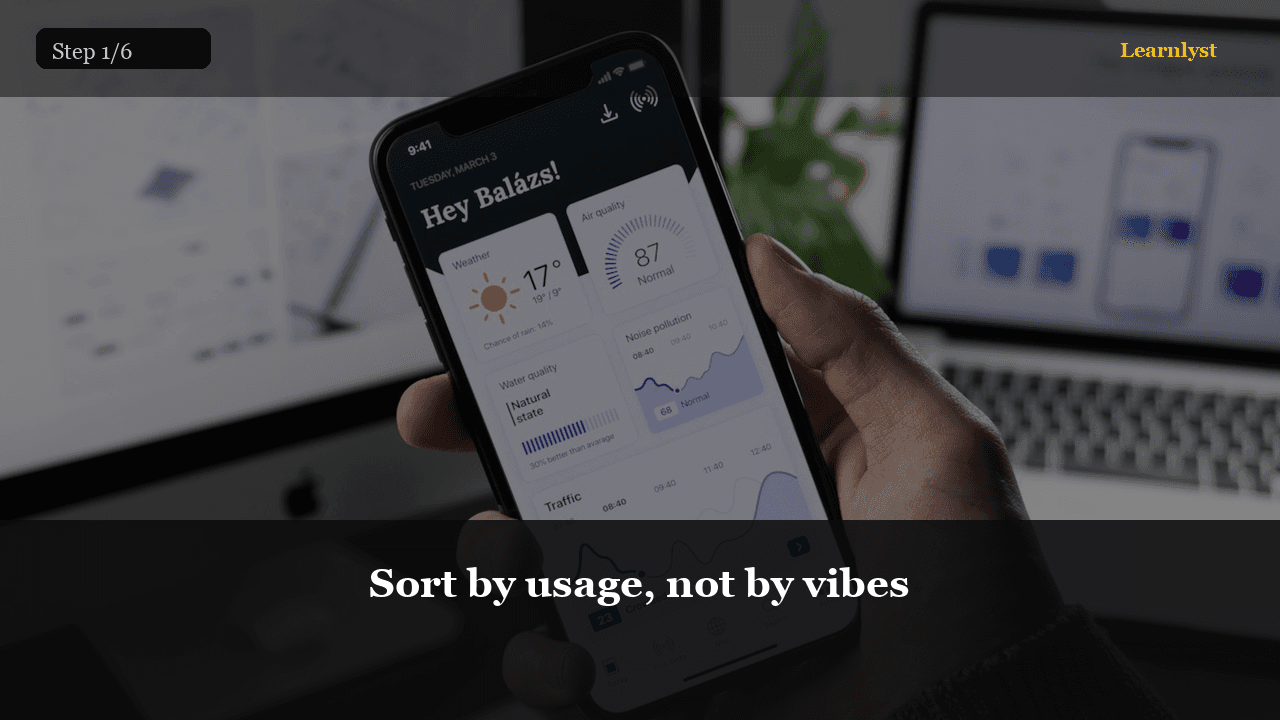
The bar chart is the diagnosis. Restrict the runaway.
01Sort by usage, not by vibes

If one app is 30% and you barely opened it, it is running in the background. Tap it → Restricted battery (or App battery usage → Restricted). Maps and SMS should stay Unrestricted if they must work.

Screen brightness and 5G vs LTE matter, but a rogue Facebook or a step counter with a leak is the usual murder weapon.

Adaptive battery on, unused apps to sleep
02Adaptive battery on, unused apps to sleep

Let Android hibernate what you have not opened in months. Don't whitelist twenty games. Charging: a 80% limit if your OEM offers it and the phone lives on the nightstand — optional, not magic.

You are not flashing a custom ROM tonight.

Full library access

Unlock every course

Subscribe for $9/month or $79/year — every category, every guide.

View plans

Free tips from this course

Each tip has its own step photo — browse free, then unlock the full course.

More Phones tips →

More in Phones

Related courses with photographed steps — browse before you subscribe.

Unlock Android: Battery, Storage, and Backup + the full library

$9/month · Cancel anytime · All courses included

Sign up to unlock