
LearnlystLearnlyst
Golden Hour Portraits on a Phone
Photography

Golden Hour Portraits on a Phone

Backlight, face light, one pose — soft portraits without a studio

30 min4 photographed stepsBeginner

Shoot flattering outdoor portraits with a phone at golden hour: position the sun behind or to the side, fill the face with a wall or open sky, one simple pose, and a quick edit that doesn't look filtered to death.

What you'll learn

  • Where to put the sun relative to the face
  • Open shade vs harsh noon light
  • One pose that works for most people
  • A 60-second edit that keeps skin natural

Inside this course

  • LightSun is your softbox.
  • PoseOne that works.
  • CameraPhone settings that help.
  • EditNatural, not plastic.

Full step-by-step lessons with photos unlock with a subscription.

Golden Hour Portraits on a Phone preview 1
Golden Hour Portraits on a Phone preview 2
Golden Hour Portraits on a Phone preview 3

Free preview

First steps from Light

See how every step looks — photo, checklist, and pro tips included.

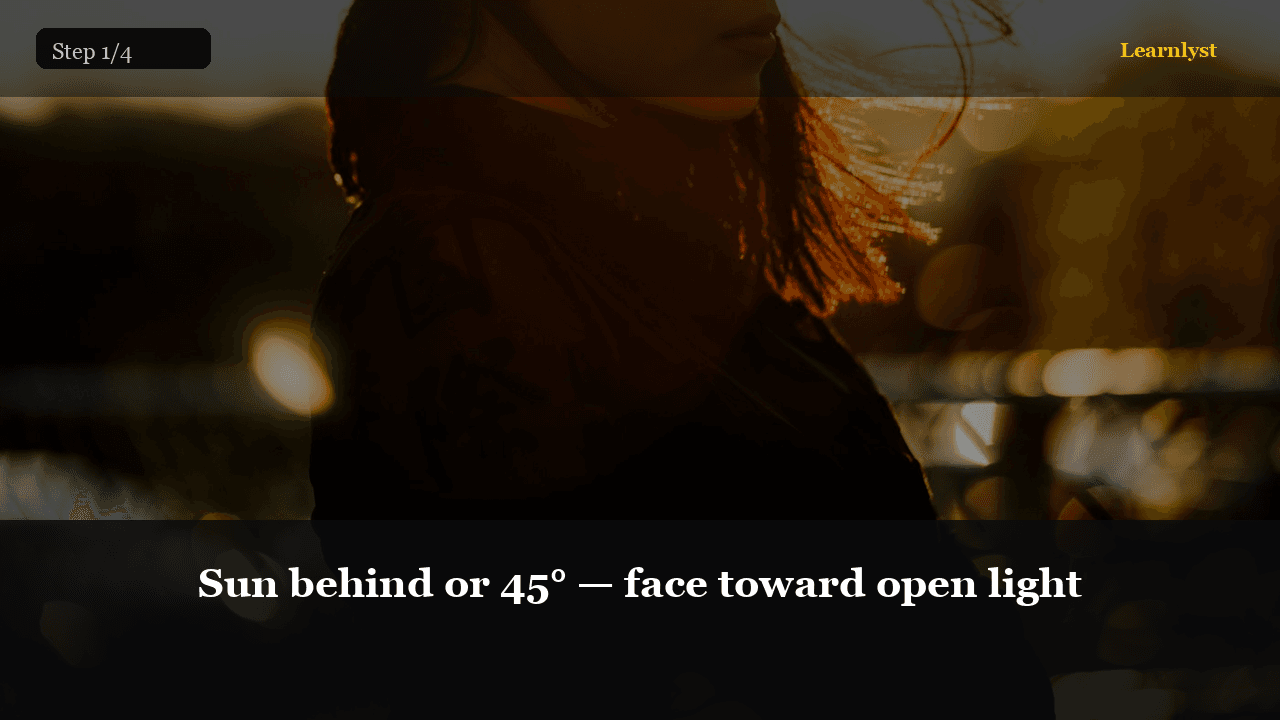
Sun behind or 45° — face toward open light
01Sun behind or 45° — face toward open light

Golden hour: sun low. Put sun behind or to the side so the face isn't squinting into noon glare. Bounce light from a pale wall or open sky onto the face.

If the face is dark, turn them slightly toward the bright side — don't crank exposure until skin blows out.


Full library access

Unlock every course

Subscribe for $9/month or $79/year — every category, every guide.

View plans

Free tips from this course

Each tip has its own step photo — browse free, then unlock the full course.

More Photography tips →

More in Photography

Related courses with photographed steps — browse before you subscribe.

Unlock Golden Hour Portraits on a Phone + the full library

$9/month · Cancel anytime · All courses included

Sign up to unlock