
Step 3 of 4 · Golden Hour Portraits on a Phone
Tap face, lock exposure, shoot burst
Tap face, lock exposure, shoot burst — step 3 of 4 in Golden Hour Portraits on a Phone. Tap the face to focus. If the sky is too bright, drag exposure down a notch so skin holds detail. Burst or hold for continuous shots.
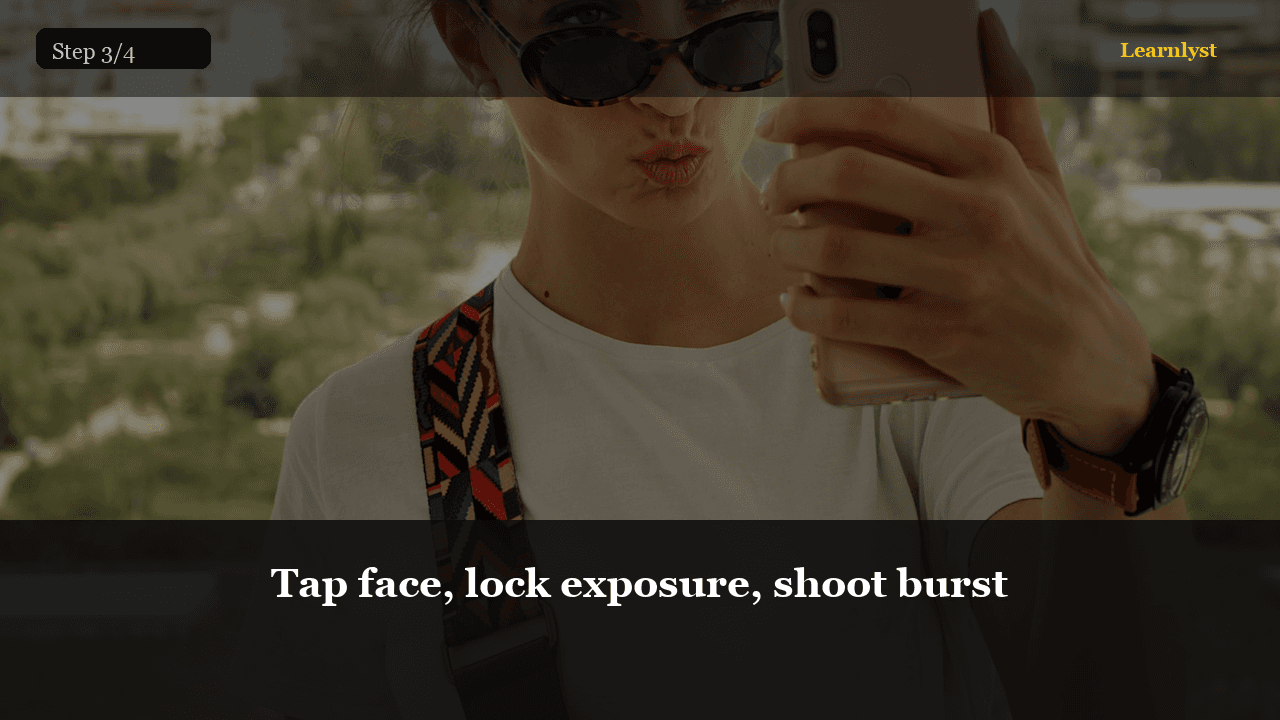
Free photography tip: Tap face, lock exposure, shoot burst (step 3 of 4 from "Golden Hour Portraits on a Phone").
Tap the face to focus. If the sky is too bright, drag exposure down a notch so skin holds detail. Burst or hold for continuous shots.
Clean the lens first — fingerprints kill golden hour glow.
Pro tip: 4:5 crop in-camera if it's for Instagram — less guesswork later.
1 more paragraph in this tip — free with a Learnlyst account.
Create a free account to read the full tip
Unlock “Tap face, lock exposure, shoot burst” plus daily tips. Guides and course pages stay public for search.
From the full photographed course
Golden Hour Portraits on a Phone →This tip is one step — unlock all 4 steps inside Learnlyst.
More Photography tips




Ready for the full Learnlyst library?
Free account for daily tips · $9/mo or $79/yr for every course.