
Step 6 of 7 · Pay Off a Credit Card
Out of the wallet, off the phone, not in the browser autofill
Out of the wallet, off the phone, not in the browser autofill — step 6 of 7 in Pay Off a Credit Card. Take the target card out of your physical wallet. Remove it from phone wallets and shopping sites.
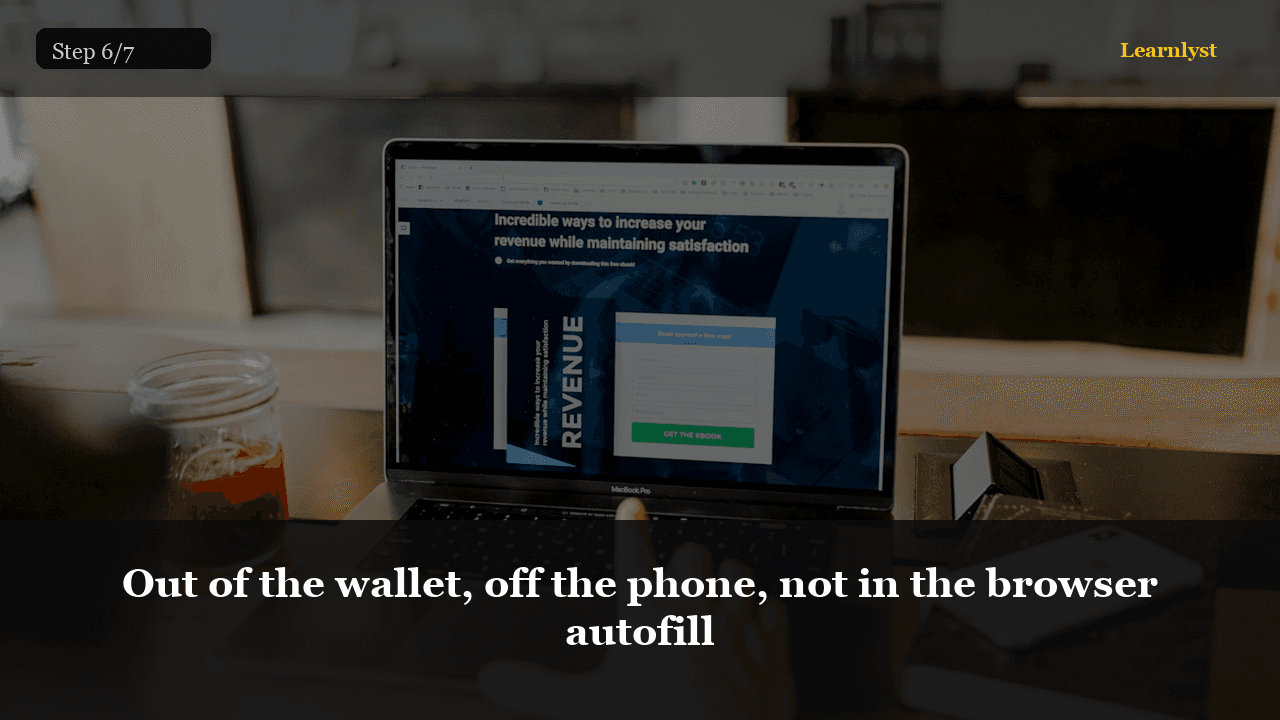
Free personal finance tip: Out of the wallet, off the phone, not in the browser autofill (step 6 of 7 from "Pay Off a Credit Card").
Take the target card out of your physical wallet. Remove it from phone wallets and shopping sites. If you need a card for a subscription, pick a different card that is already at $0 or use a debit card you actually watch.
A freezer in a block of ice is theater. The phone wallet is the real leak.
You'll need
- Target card deleted from phone pay
- Shopping sites using a different card
- Extra payment dated on payday
1 more paragraph in this tip — free with a Learnlyst account.
Create a free account to read the full tip
Unlock “Out of the wallet, off the phone, not in the browser autofill” plus daily tips. Guides and course pages stay public for search.
From the full photographed course
Pay Off a Credit Card →This tip is one step — unlock all 7 steps inside Learnlyst.
More Personal Finance tips


Ready for the full Learnlyst library?
Free account for daily tips · $9/mo or $79/yr for every course.