
Step 9 of 14 · Phone Photography That Looks Intentional
Pull exposure to match what your eye saw
Pull exposure to match what your eye saw — step 9 of 14 in Phone Photography That Looks Intentional. Your phone exposes for the average brightness of the frame, which often means the subject is slightly too dark or the sky is blown.
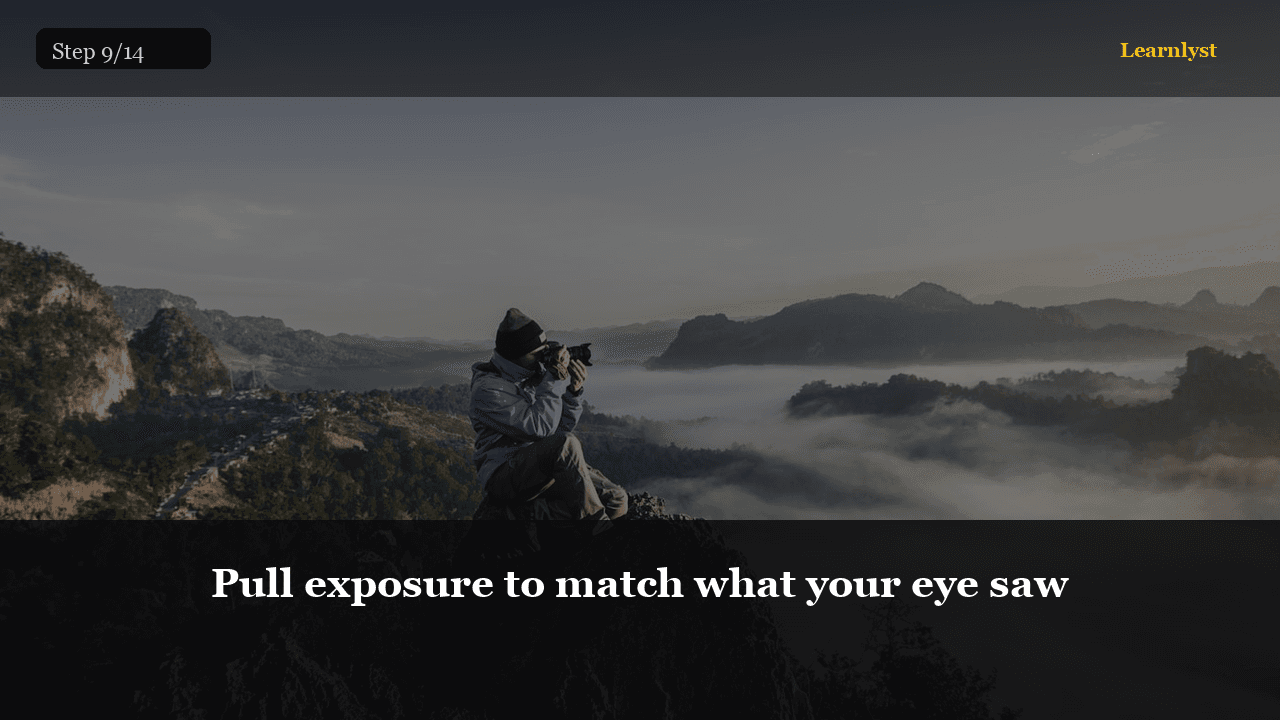
Free photography tip: Pull exposure to match what your eye saw (step 9 of 14 from "Phone Photography That Looks Intentional").
Your phone exposes for the average brightness of the frame, which often means the subject is slightly too dark or the sky is blown. In the editor, adjust exposure until the subject looks right to you — not until the histogram is 'correct'.
If highlights are clipped (pure white with no detail), pull highlights down before pushing exposure up. This recovers sky and window detail that looked lost.
Pro tip: On Snapseed: Tune Image → Brightness for global, then Highlights and Shadows separately.
1 more paragraph in this tip — free with a Learnlyst account.
Create a free account to read the full tip
Unlock “Pull exposure to match what your eye saw” plus daily tips. Guides and course pages stay public for search.
From the full photographed course
Phone Photography That Looks Intentional →This tip is one step — unlock all 14 steps inside Learnlyst.
More Photography tips




Ready for the full Learnlyst library?
Free account for daily tips · $9/mo or $79/yr for every course.