
Step 5 of 9 · Clean Up 10 GB in 10 Minutes
Offload unused apps — keep your data, lose the binary
Offload unused apps — keep your data, lose the binary — step 5 of 9 in Clean Up 10 GB in 10 Minutes. iPhone: Settings → General → iPhone Storage → Enable 'Offload Unused Apps' or tap individual apps → Offload.
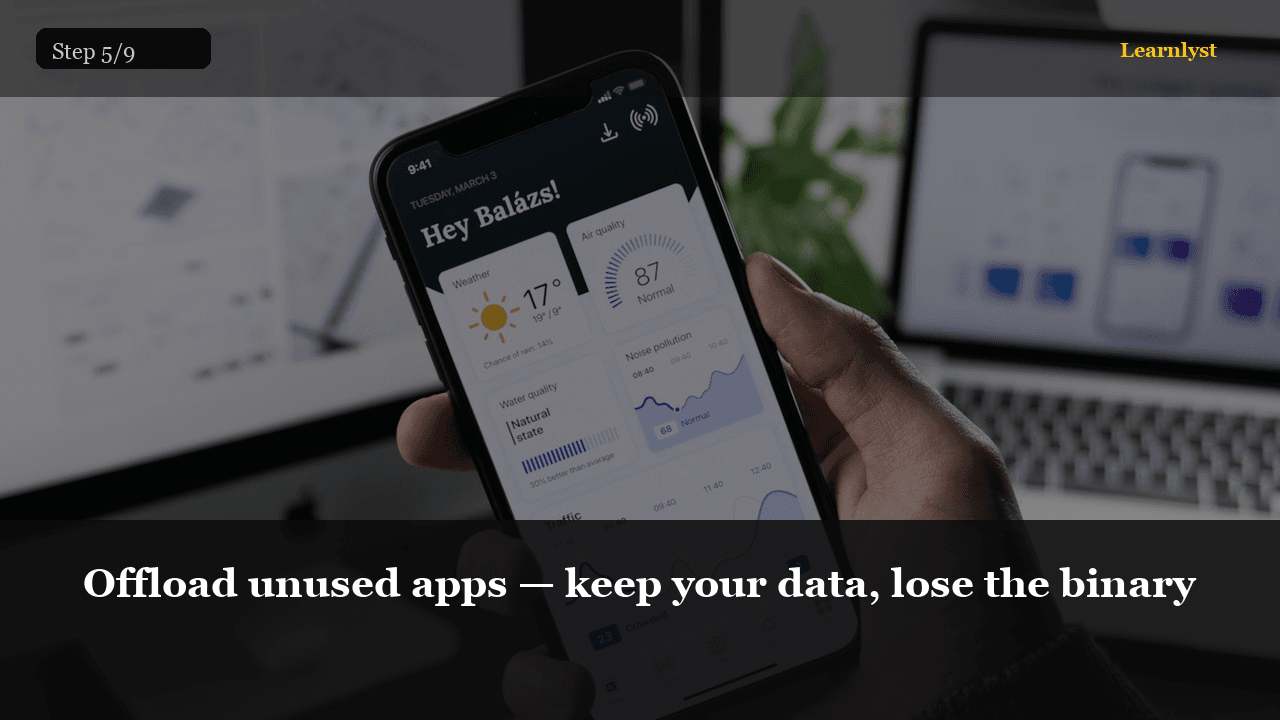
Free phones tip: Offload unused apps — keep your data, lose the binary (step 5 of 9 from "Clean Up 10 GB in 10 Minutes").
iPhone: Settings → General → iPhone Storage → Enable 'Offload Unused Apps' or tap individual apps → Offload. Android: Settings → Apps → select → Uninstall (data stays for most apps) or use Files by Google → Clean → Unused Apps.
An offloaded app shows a cloud icon. Tap it and it re-downloads at the current smaller size. Your login and saved data survive. Do this for anything you have not opened in 60 days.
Pro tip: Games are the worst offenders. A 2 GB game you finished three months ago is a free 2 GB.
1 more paragraph in this tip — free with a Learnlyst account.
Create a free account to read the full tip
Unlock “Offload unused apps — keep your data, lose the binary” plus daily tips. Guides and course pages stay public for search.
From the full photographed course
Clean Up 10 GB in 10 Minutes →This tip is one step — unlock all 9 steps inside Learnlyst.
More Phones tips




Ready for the full Learnlyst library?
Free account for daily tips · $9/mo or $79/yr for every course.