
Step 1 of 8 · ChatGPT for Real Life: 10 Tasks in 30 Minutes
Create account and privacy settings
Create account and privacy settings — step 1 of 8 in ChatGPT for Real Life: 10 Tasks in 30 Minutes. Sign up at your chosen AI site. Before typing anything personal: open settings, disable training on your chats if available, use a strong…
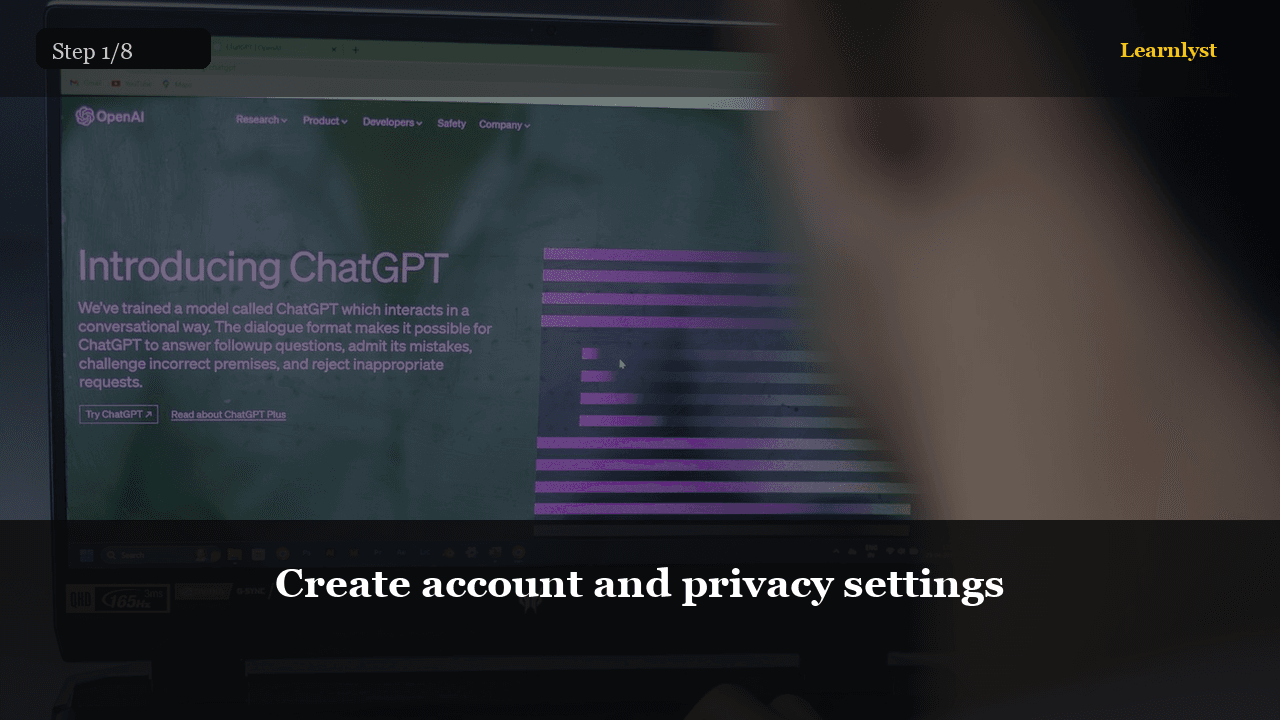
Free tech & internet tip: Create account and privacy settings (step 1 of 8 from "ChatGPT for Real Life: 10 Tasks in 30 Minutes").
Sign up at your chosen AI site. Before typing anything personal: open settings, disable training on your chats if available, use a strong unique password.
Rule one: never paste passwords, credit card numbers, government IDs, or your child's full details. Rule two: AI is a draft assistant — you are the editor who sends.
You'll need
- Account created
- Training opt-out checked
- Secrets rule understood
1 more paragraph in this tip — free with a Learnlyst account.
Create a free account to read the full tip
Unlock “Create account and privacy settings” plus daily tips. Guides and course pages stay public for search.
From the full photographed course
ChatGPT for Real Life: 10 Tasks in 30 Minutes →This tip is one step — unlock all 8 steps inside Learnlyst.
More Tech & Internet tips
Ready for the full Learnlyst library?
Free account for daily tips · $9/mo or $79/yr for every course.