
LearnlystLearnlyst
A Password Manager You Will Open
Tech & Internet

A Password Manager You Will Open

One vault, a master you can remember, autofill, and the 2FA for the vault itself

50 min6 photographed stepsBeginner

You will pick a reputable manager, install it on phone and browser, move the 10 accounts you actually use, turn on the manager's two-factor, and stop reusing the dog's name. This is a vault, not a spreadsheet called passwords.xlsx on the desktop.

What you'll learn

  • One master phrase, not 40 variants of Summer2019
  • Autofill from the extension, not copy-paste from Notes
  • 2FA on the vault so a stolen laptop is not the whole life
  • A recovery kit so you do not lock yourself in

Inside this course

  • Pick one and install it twicePhone and browser. A vault you only have at the desk will be bypassed on the couch.
  • Move the 10 that matterYou will not migrate 200 logins tonight. You will migrate the ones that steal money or mail.
  • Recovery so you are not the lockoutPeople lose phones. The kit is the course.
  • Phishing is why this existsAutofill that does not fire on a fake domain is a feature.

Full step-by-step lessons with photos unlock with a subscription.

A Password Manager You Will Open preview 1
A Password Manager You Will Open preview 2
A Password Manager You Will Open preview 3

Free preview

First steps from Pick one and install it twice

See how every step looks — photo, checklist, and pro tips included.

Sentence master. Apps on phone and computer the same day.
01Create the vault, write the master as a sentence

Four or five words you did not see on a billboard, plus a number you will not post. This phrase is the only one you memorize. Everything else the manager makes long and ugly on purpose.

Install the browser extension and the phone app. Sign in on both. If it offers a PIN on the phone, yes. Biometrics to unlock the already-unlocked vault is fine. Biometrics as the only copy of the master is how you cry at a dead phone.
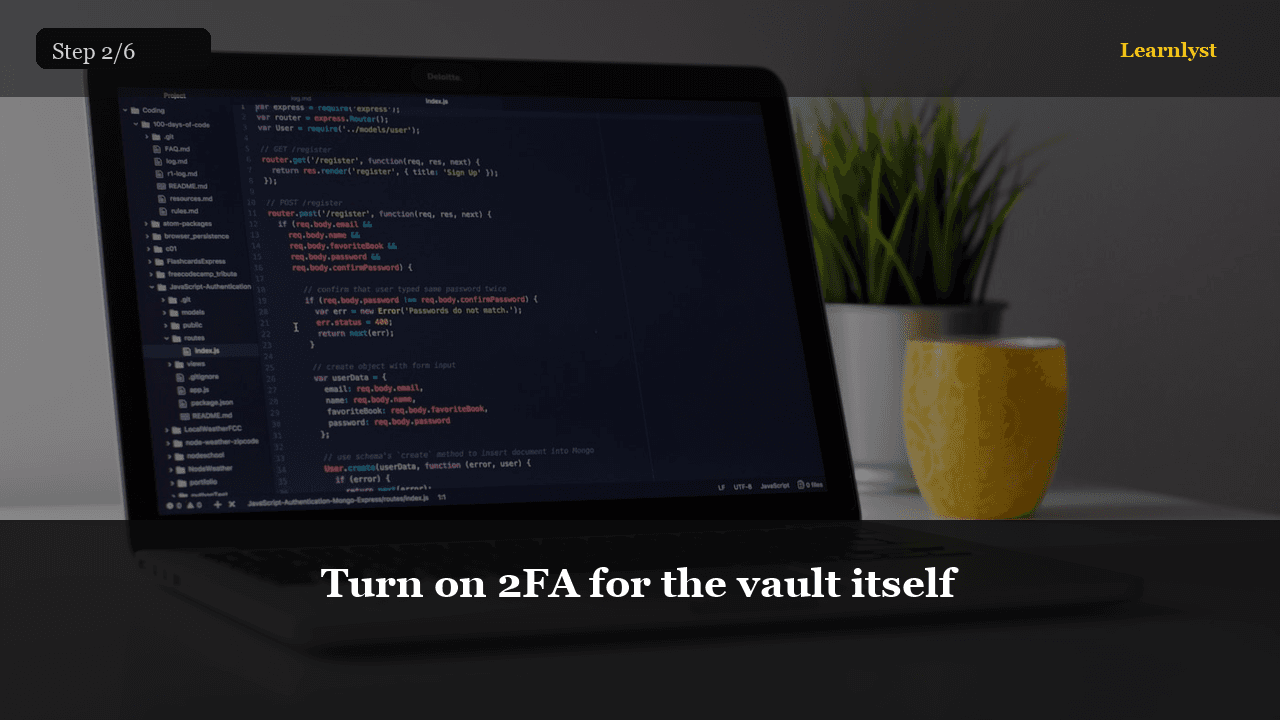
Turn on 2FA for the vault itself
02Turn on 2FA for the vault itself

Authenticator app or a hardware key. Not SMS if you can avoid it. Save the backup codes in the printed kit, not only in the vault (you cannot open the vault to get the codes to open the vault).

This is the one account that deserves a key in a drawer.

Full library access

Unlock every course

Subscribe for $9/month or $79/year — every category, every guide.

View plans

Free tips from this course

Each tip has its own step photo — browse free, then unlock the full course.

More Tech & Internet tips →

More in Tech & Internet

Related courses with photographed steps — browse before you subscribe.

Unlock A Password Manager You Will Open + the full library

$9/month · Cancel anytime · All courses included

Sign up to unlock